
Four search modes, and the tools to organize what you find.
Search by Image — Visual Similarity Search
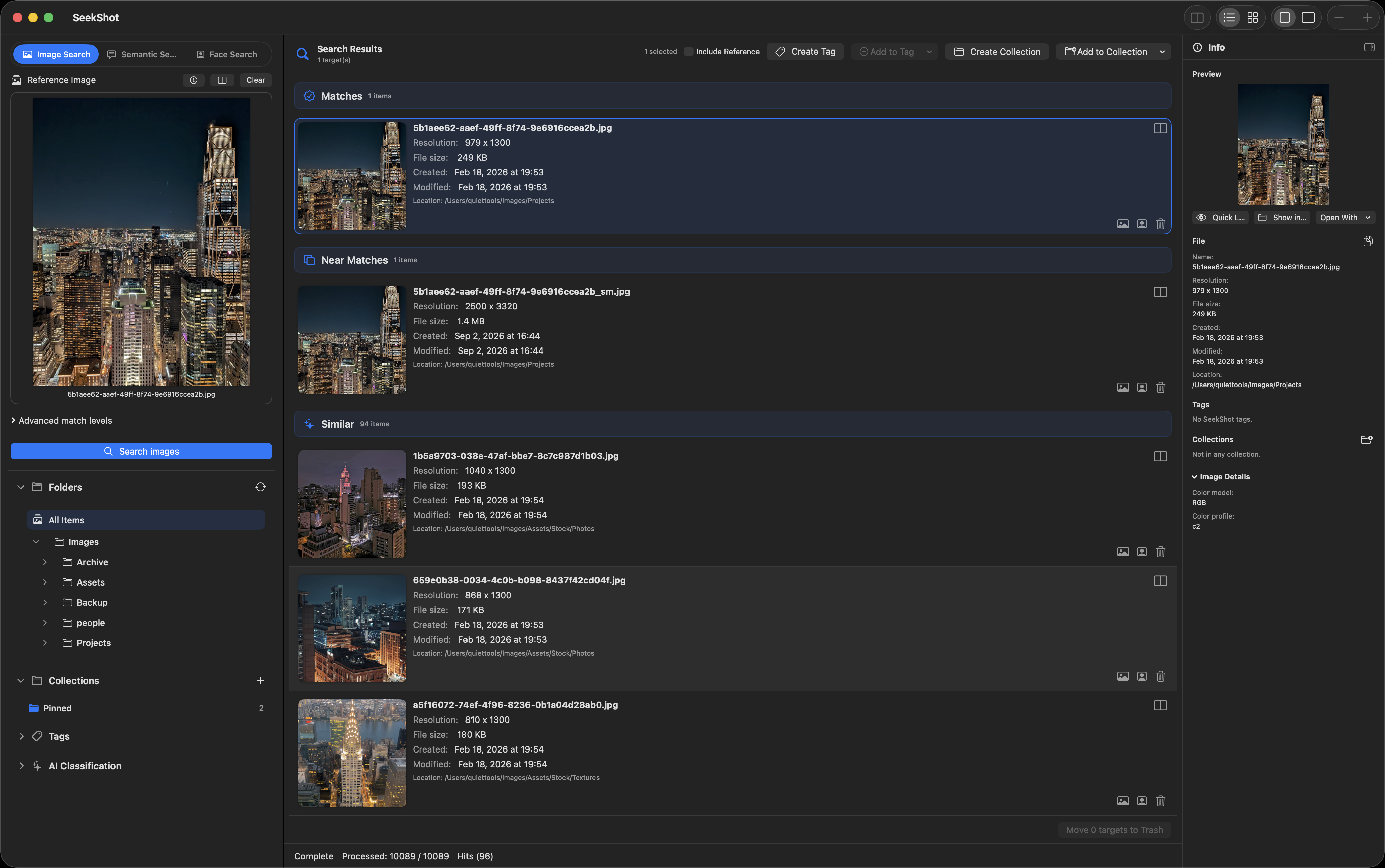
"Show me everything similar to this image."
Specify one image. An algorithm combining dHash, pHash, Vision Feature Print, and HSV color histograms classifies images in your folder into three levels.
| Level | Description |
|---|---|
| Identical | Images that are nearly exact matches |
| Near-match | Images very close in composition and color |
| Similar | Images sharing elements or overall feel |
The threshold for each level can be adjusted in the advanced settings.
From duplicate cleanup to active discovery
Find and remove duplicate or near-duplicate files to tidy up your storage. Or use it the other way — collect similar images to review variations, discover reference material, or browse by visual similarity. Both workflows are supported.
Search by Meaning — Semantic Search
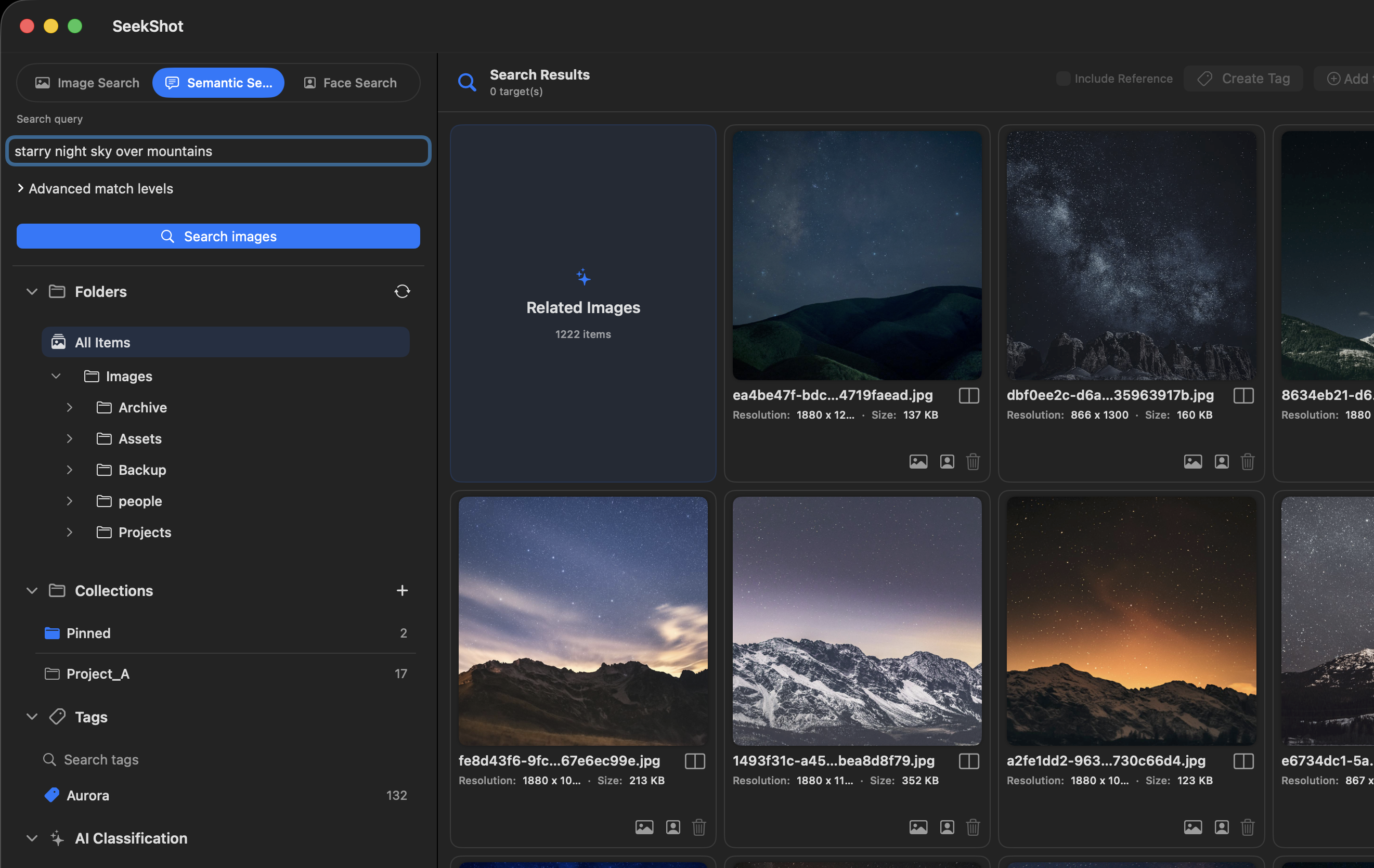
Search by what's in the image, not what it's named.
Powered by MobileCLIP (mobileclip_s2), SeekShot maps images and text into the same feature space. No filename, no date needed — just describe what you're looking for.
Video files are also searchable — SeekShot extracts representative frames and finds the scene you're describing.
Text visible in photos is searchable too. Signs, whiteboards, screenshots — if there's text in the image, it's a search target.
Search by Face — Face Search
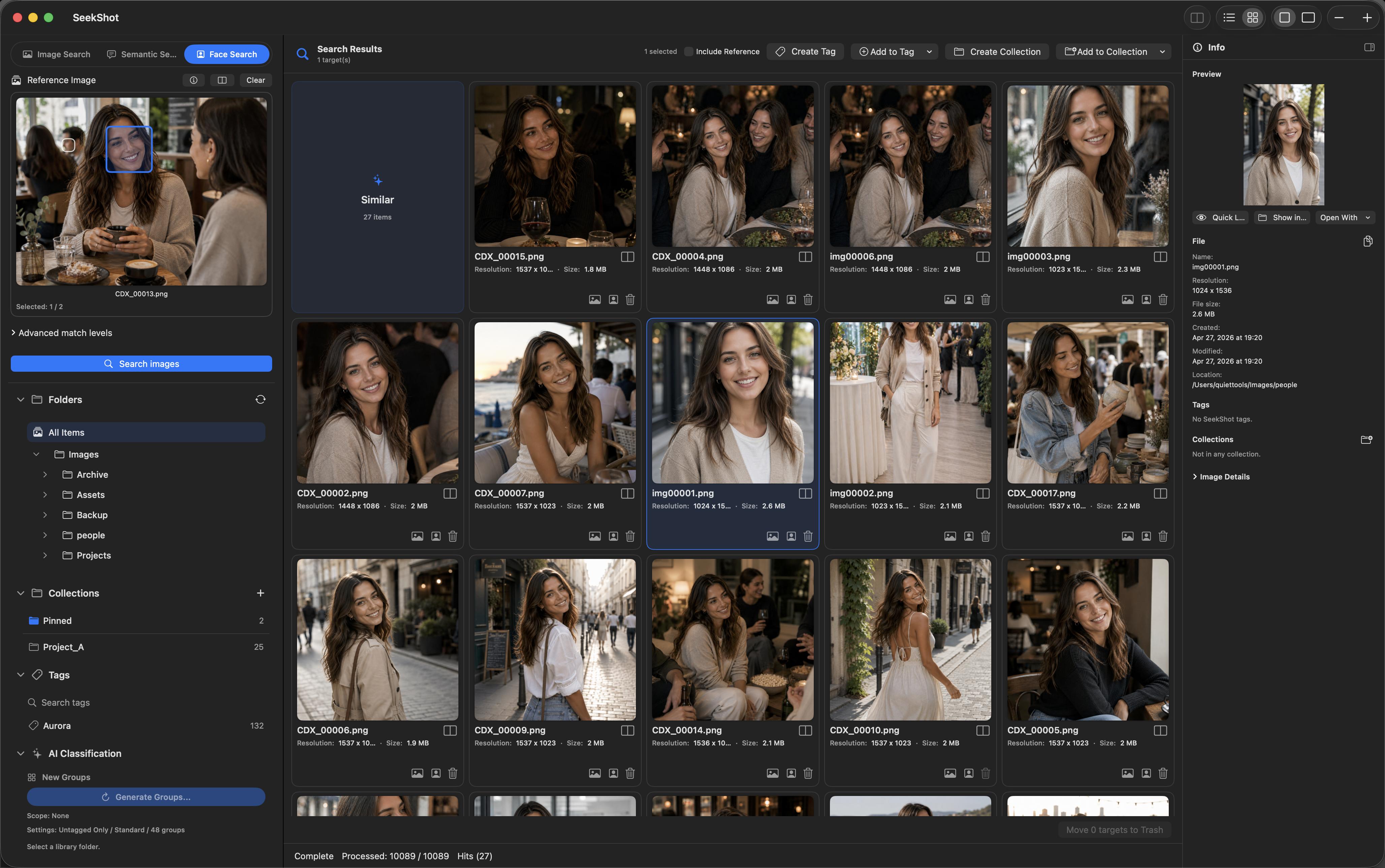
Find every photo of a person.
Select a face from any photo, and SeekShot finds all photos of that person across your specified folder. Powered by Apple's Vision Framework. All processing happens on-device.
Multiple people in the photo? Select exactly the face you want.
OCR Search — Text Inside Images
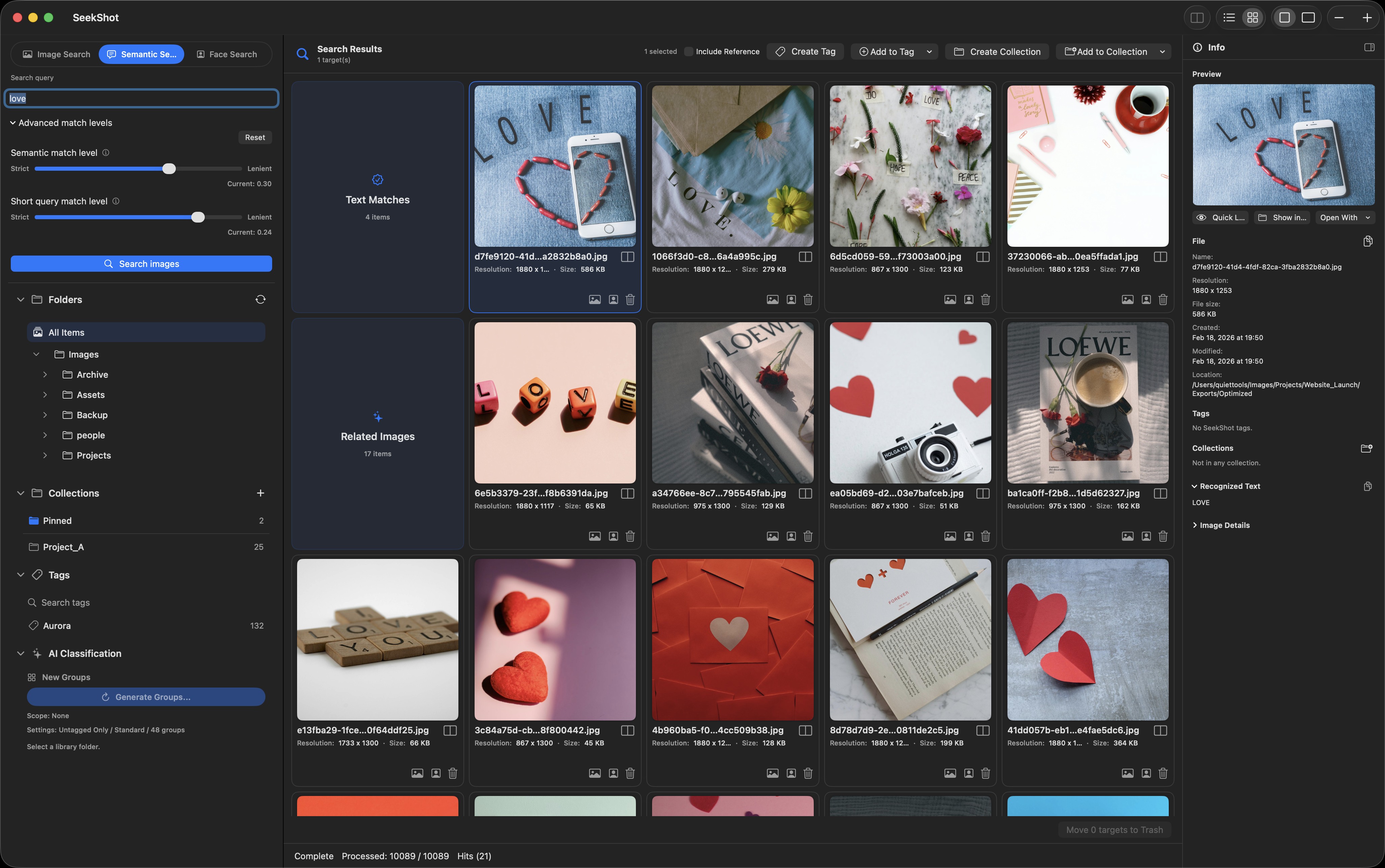
Search the text inside your images.
SeekShot recognizes the text in your images during indexing, so you can find them by their words. Screenshots, document scans, notes, posters, and UI captures all become searchable by the text they contain.
OCR-indexed text is included in Search by Meaning results automatically. OCR search applies to image files, not videos.
Organize what you find
Once you've found an image, keep it organized with tags, collections, and a detailed info pane.
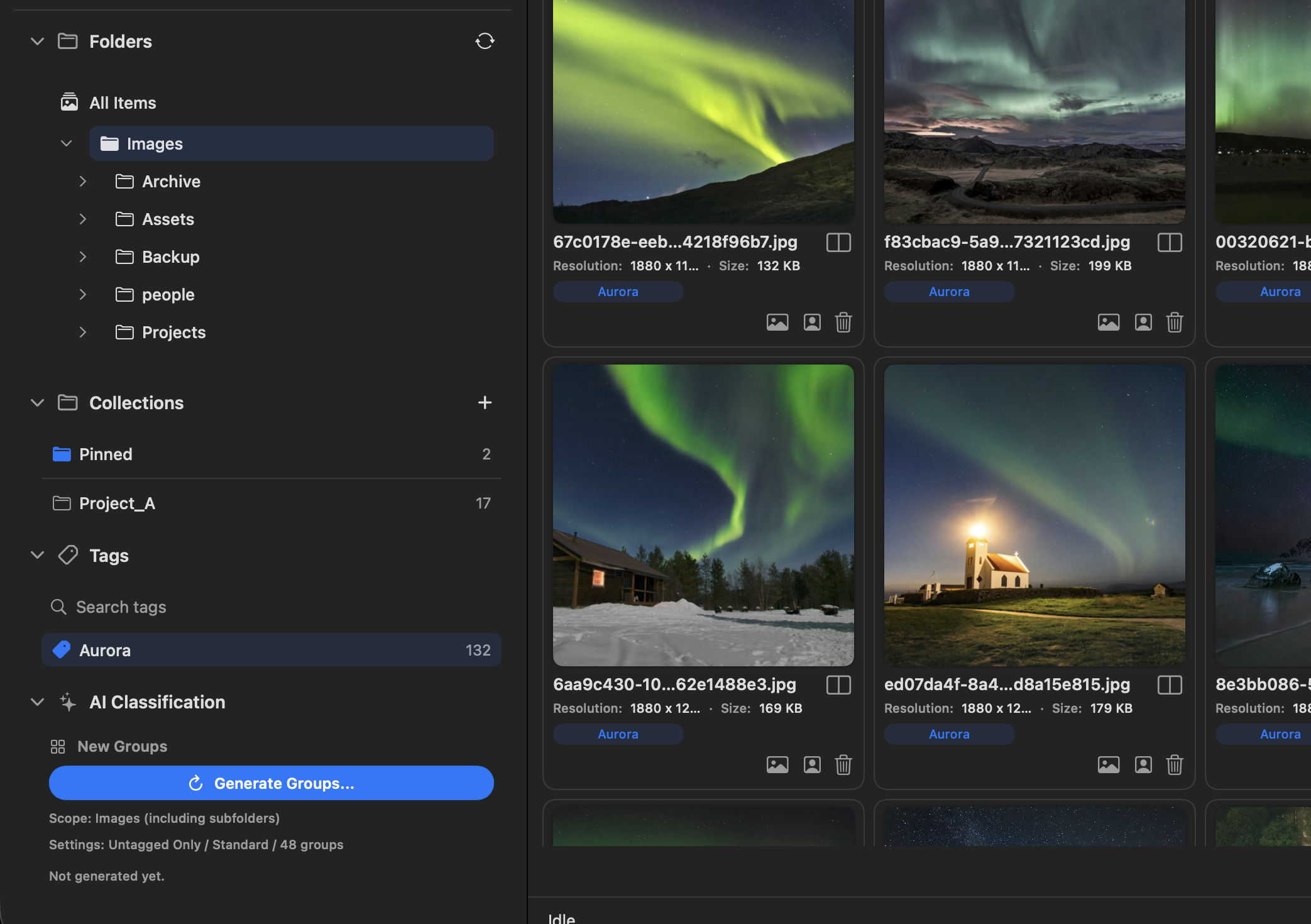
Tags
Tag images by purpose, project, theme, or material type. Jump to everything under a tag in a single view and revisit the images you need in seconds.
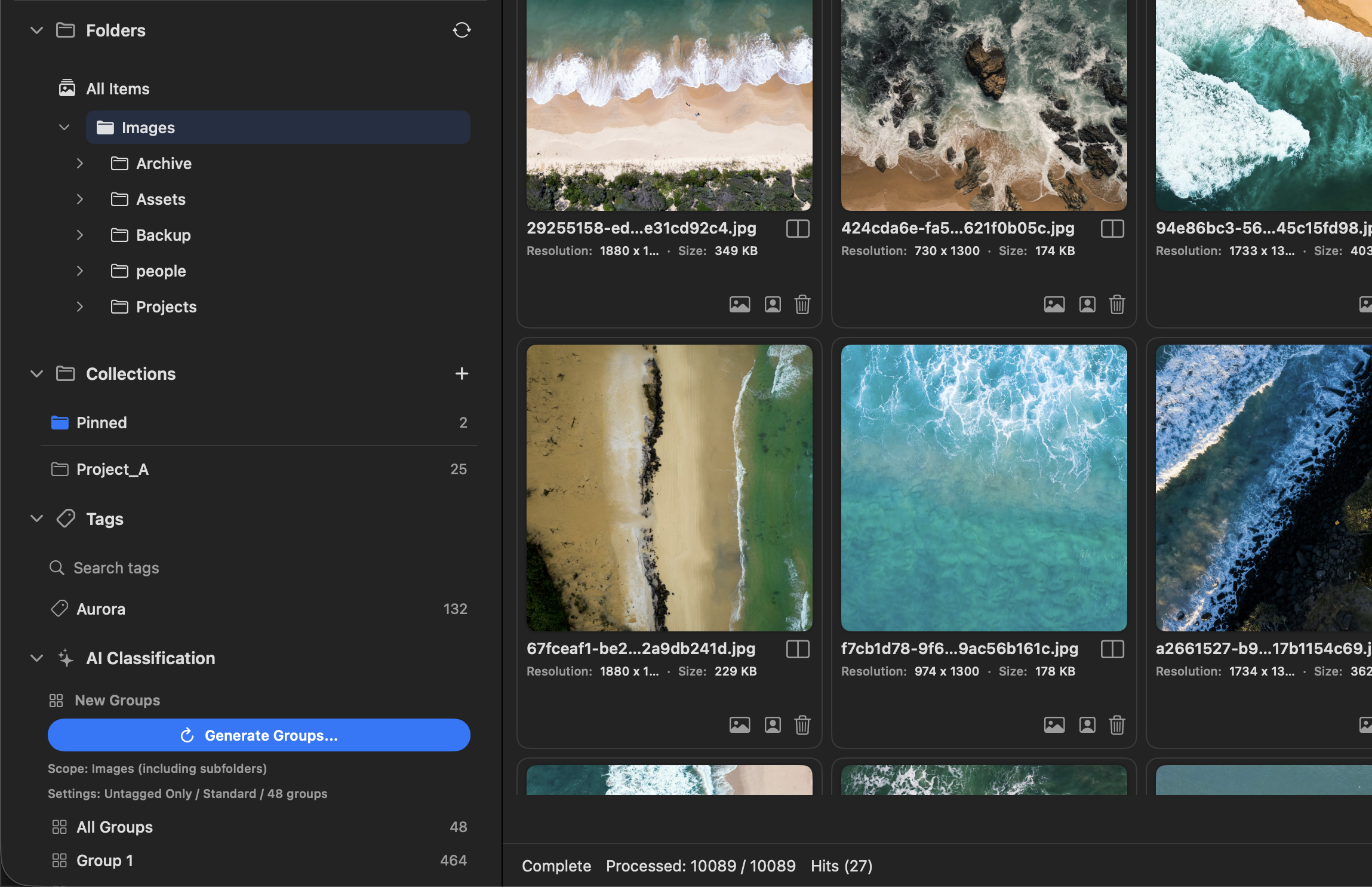
Collections
Group the images you find by how you'll use them — references, material candidates, per-project sets, and things to use later.
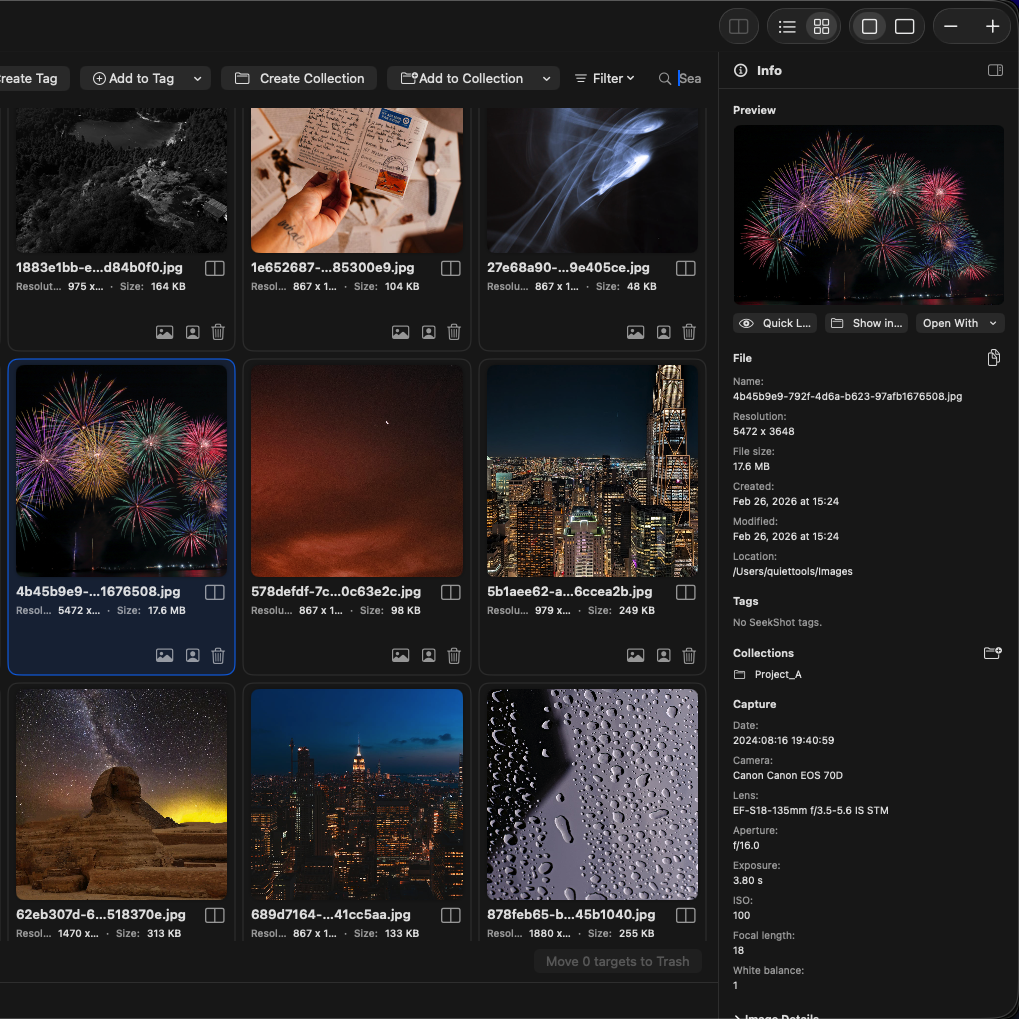
Info Pane
Inspect the selected image in the right pane: preview, file info, tags, collection membership, recognized text, and metadata.
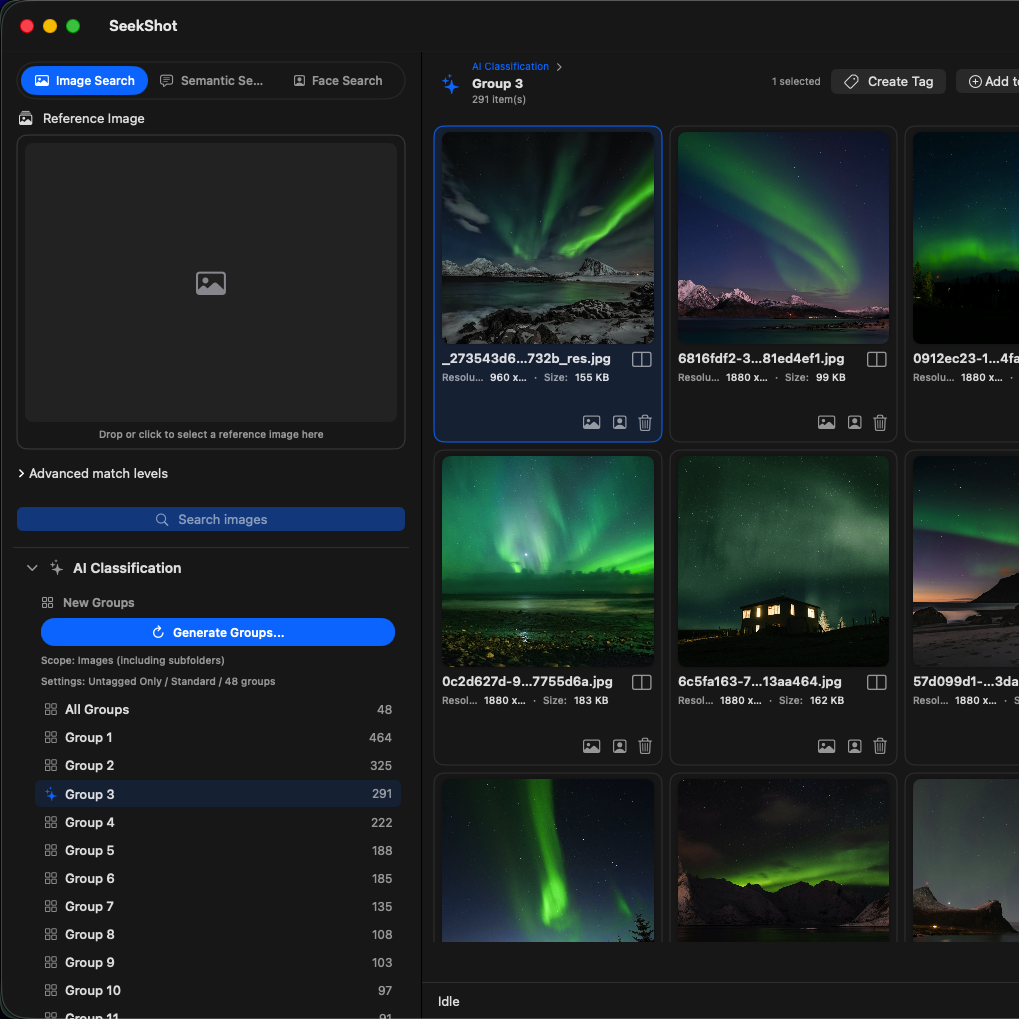
AI Classification (Pro)
Generate groups of similar images across your library — a starting point when you need to organize a large set. Tag suggestions are available too.
Index & Performance
Index Settings
Index a root folder (including its subfolders) to speed up all future searches; text recognition for OCR runs here too. Pro adds multiple folders and background updating that keeps the index current even when the app isn't running.
Performance Settings
Fine-tune text embedding cache size, ANN (approximate nearest neighbor) search settings, and more for large datasets.
Ready to find your photos?
Back to SeekShot