
Image Browser for macOS
Choose one folder.
See all images inside —
including subfolders.
ThroughView shows all images inside a folder and its subfolders in one gallery. No import. No library. Just choose a folder.
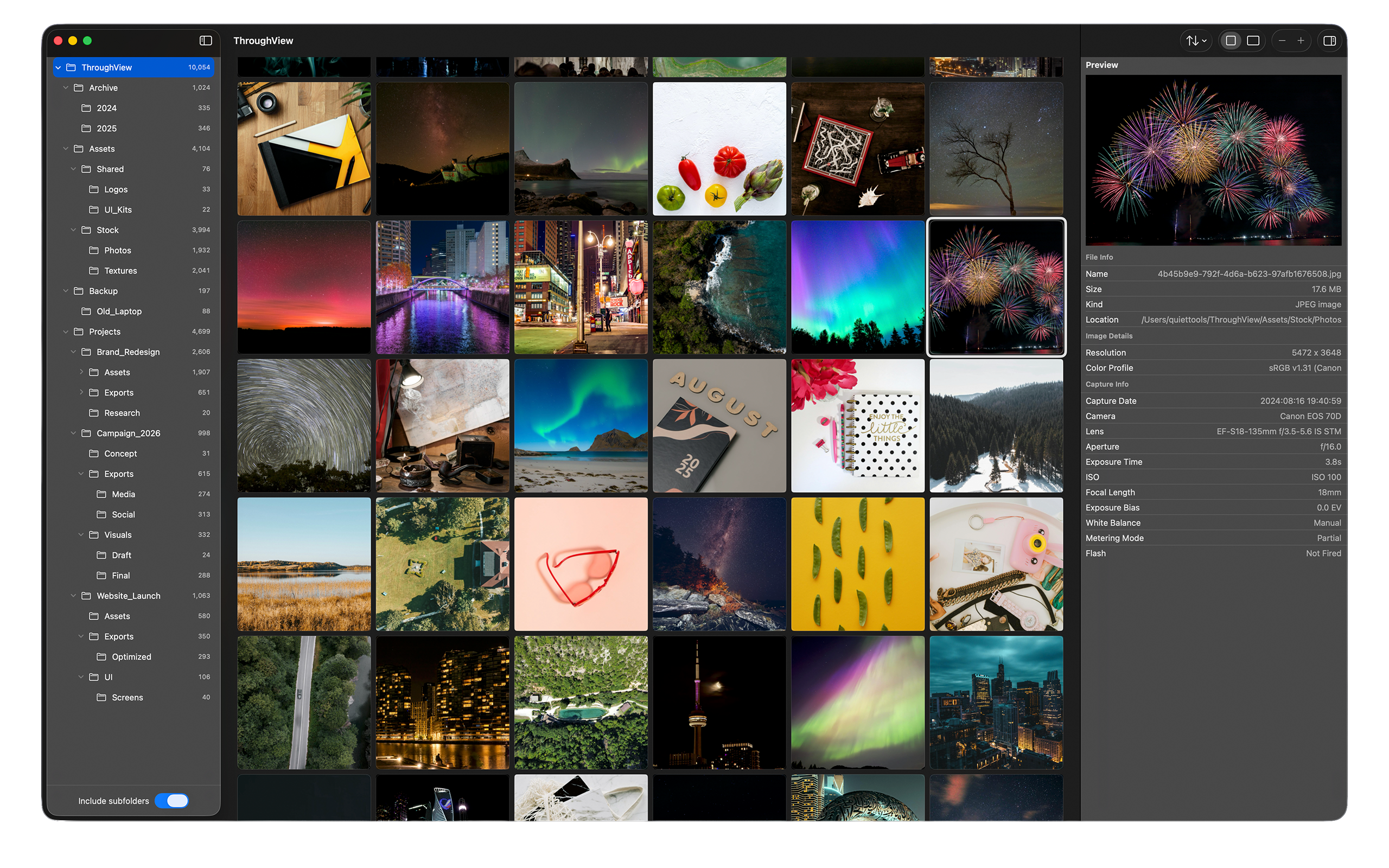
Stop opening folders one by one.
Finding images across nested folders takes time. Open a folder. Look around. Go back. Open another. Repeat.
ThroughView solves this in one step.
Before: Open each folder
After: One step with ThroughView
Everything you need. Nothing you don't.
Subfolder browsing
See all images across any depth of folders
Fast browsing
Smooth, responsive image gallery
EXIF viewer
View full metadata for any image
Quick Look
Native macOS Quick Look support
No import
No setup, no library, just open and browse
Local folders
Works with any local folder or external drive
Privacy friendly
No cloud, no tracking, no network required
Native macOS
Built for macOS, feels right at home
See it in action
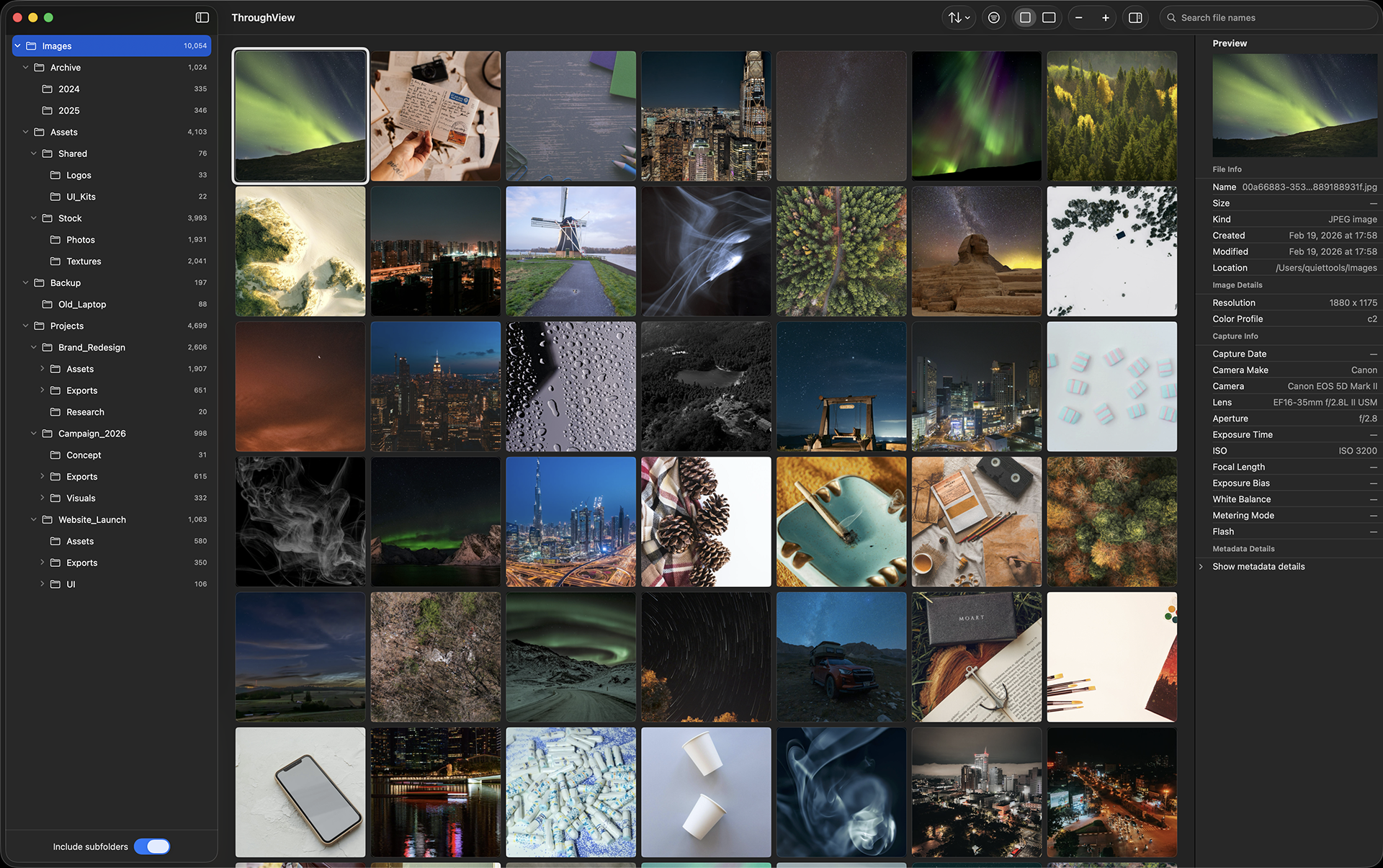
Folder Navigation
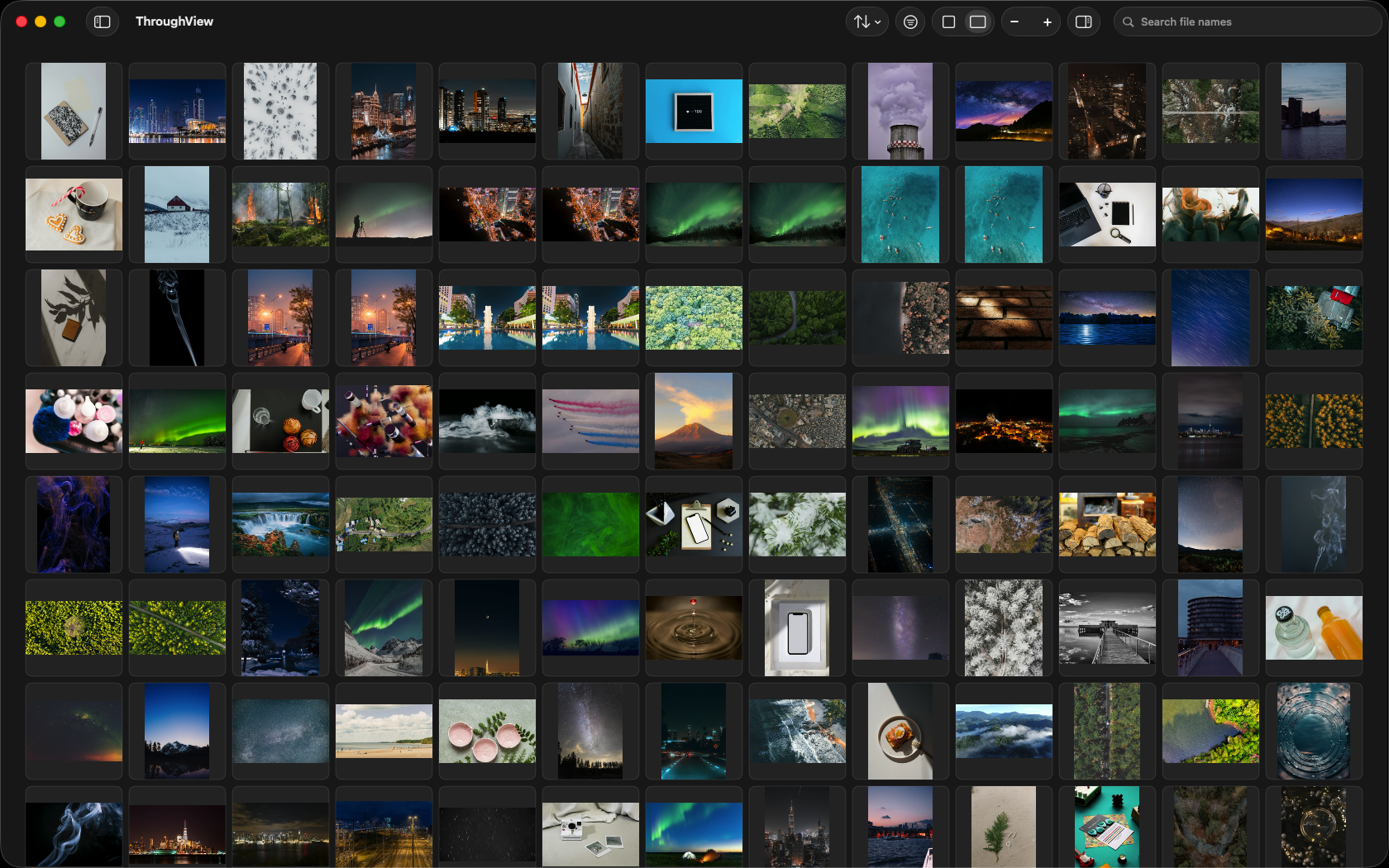
Gallery View
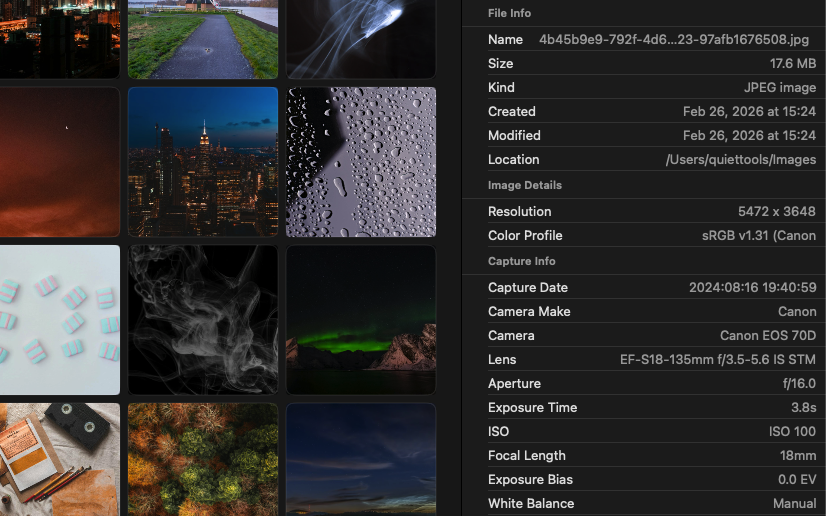
EXIF Metadata
Simple pricing.
Recommended
App Store
Available on the Mac App Store
- Automatic updates
- Family Sharing
- Apple ID purchase
Questions & Answers
Need help?
Find answers, guides, and support for ThroughView.